Big resources for your small business
The Small Business Center has account self-support, peer advice, expert assistance and more to help your business thrive. The first step is opening an account to receive discounted shipping!
The Small Business Center has account self-support, peer advice, expert assistance and more to help your business thrive. The first step is opening an account to receive discounted shipping!
FedEx account holders can take advantage of exclusive benefits. Check out all the ways you can save and earn.

Your business qualifies for a shipping discount!
With a FedEx business account you can save on select shipping and surcharges..
Expert assistance awaits
Whether you prefer a personal touch or more independence, you're covered. Schedule a sales call with us or chat with a live agent. Take charge of account management with our self-service tools.

Expert assistance awaits
Whether you prefer a personal touch or more independence, you're covered. Schedule a sales call with us or chat with a live agent. Take charge of account management with our self-service tools.
Expert assistance awaits
Whether you prefer a personal touch or more independence, you're covered. Schedule a sales call with us or chat with a live agent. Take charge of account management with our self-service tools.

Grow your ecommerce business at every stage
Whether you’re starting out or scaling up, FedEx is your business ally. Get tips and advice on technology integration, fulfillment, shipping solutions, and more.

Earn rewards for your business shipping
Earn rewards for your business shipping
Earn rewards for
your business
shipping
The FedEx Rewards loyalty program helps you earn gift cards from popular retailers when you ship. You can also request a refund or credit if an eligible FedEx shipment arrives late.2
The FedEx Rewards loyalty program helps you earn gift cards from popular retailers when you ship. You can also request a refund or credit if an eligible FedEx shipment arrives late.2

Discounts on print projects
Discounts on print projects
Start saving on print projects for your business or organization with our print preferred program. You can save 10% on all print orders, open a line of credit, and more.
Start saving on print projects for your business or organization with our print preferred program. You can save 10% on all print orders, open a line of credit, and more.

Automate your business' shipping with FedEx Ship Manager
Whether you're shipping just a couple of shipments per day, or hundreds, FedEx Ship Manager has options available to help you ship, track, and manage your shipments. See how it can help your business.

Make the world your marketplace
The FedEx global ecommerce playbook is full of data-backed guidance for global growth. Plan with confidence. Reach more markets. And take your business farther.

Fly across borders
Keep your global shipments moving fast with FedEx international air freight. Get customs expertise and end-to-end visibility when timing matters most. And check last-minute rates for potential discounts.
FedEx. The New Power Move.SM
FedEx. The New Power Move.SM
Get next-level visibility into shipments across your supply chain. Your insights are powered by the combined strength of FedEx physical and digital networks.

Training, connections, and capital
FedEx Cares supports your small business with webinars and educational opportunities, grant information, and other resources to empower entrepreneurs.

Peer perspective and expert takes

Develop your business shipping strategy
There’s a lot to consider when shipping for your business. Start – and finish – with our comprehensive guide. Find resources on the entire shipping process.
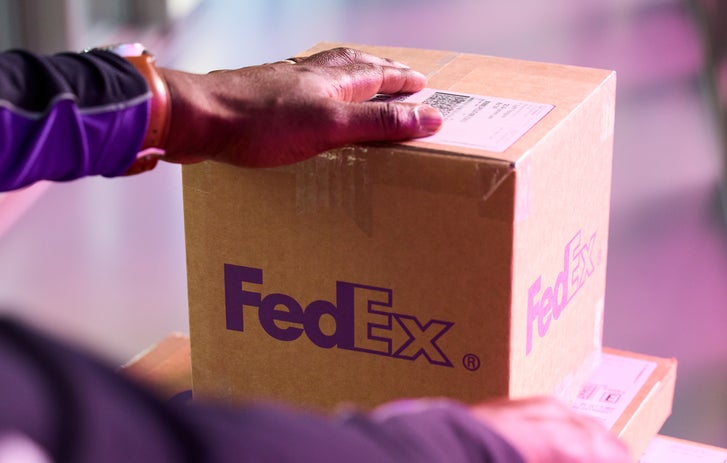
Tips from a packaging engineer
Make sure your shipments arrive at their destination intact. Learn how to pack safely and effectively from one of our top experts.

Grow your business internationally
Read customer testimonials and get advice from some of our small businesses with global shipping success.
Ready for more small business inspiration?
1Exclusions apply. Visit the One Rate page to learn more.
2For details, a complete listing of eligible products and services for rewards, and information on requesting refunds and credits, please read FedEx Rewards Terms and Conditions.