Your place for info, inspiration, and assets
Get the most out of your FedEx Authorized
ShipCenter® (FASC) experience.
Get the most out of your FedEx Authorized ShipCenter® (FASC) experience.
You run the show. We back you up.
You started your business, then became an FASC. Now you have the freedom of entrepreneurship—combined with the power of a global shipping network and trusted brand.
We want to empower you with the resources you need to thrive.


Looking for account-specific resources?
Head over to FASCNET to:
- View payouts
- Get pricing info
- Access reporting
- Manage files
- Additional marketing materials
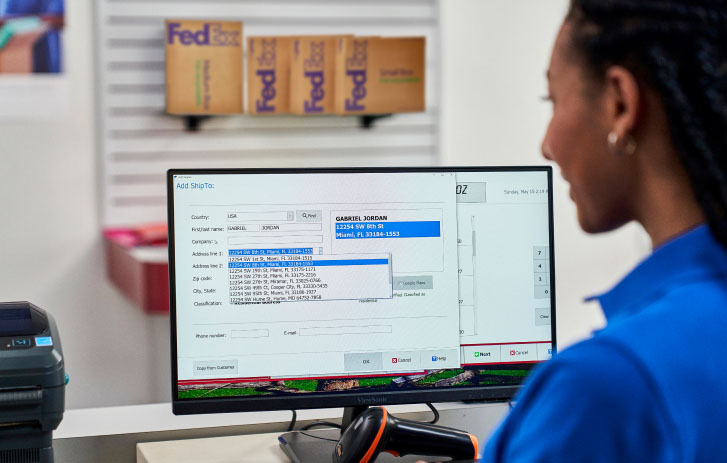
Stay one step ahead with the latest
FedEx ShipSource articles
Stay one step ahead with the latest FedEx ShipSource articles
July 2026 articles
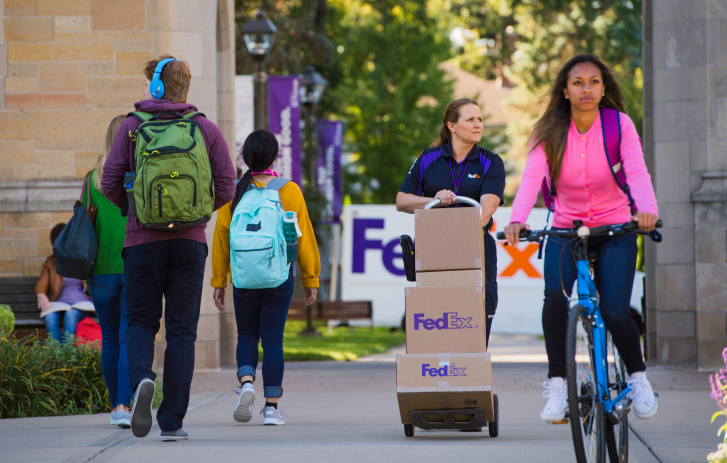
Turn the college rush into revenue
Use our back-to-school guide to keep customers moving and revenue flowing. Get advice from two experienced FASC owners.
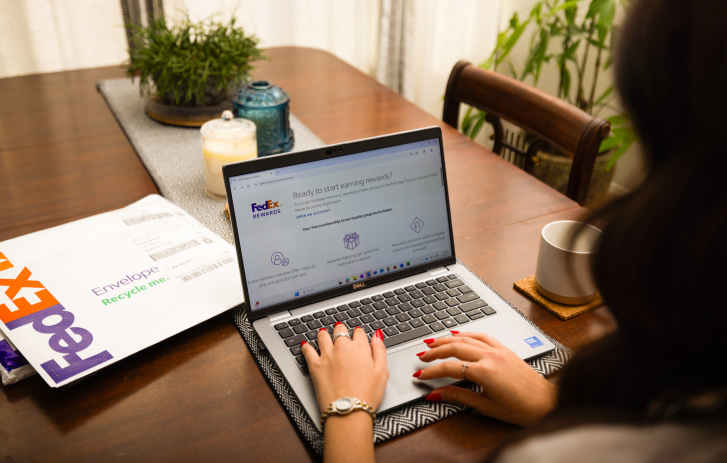
Get on an easy path to added value
Hear how FASC owner Shawna Hicks uses FedEx Rewards to benefit her business—from incentivizing employees to offsetting expenses.
Previous articles
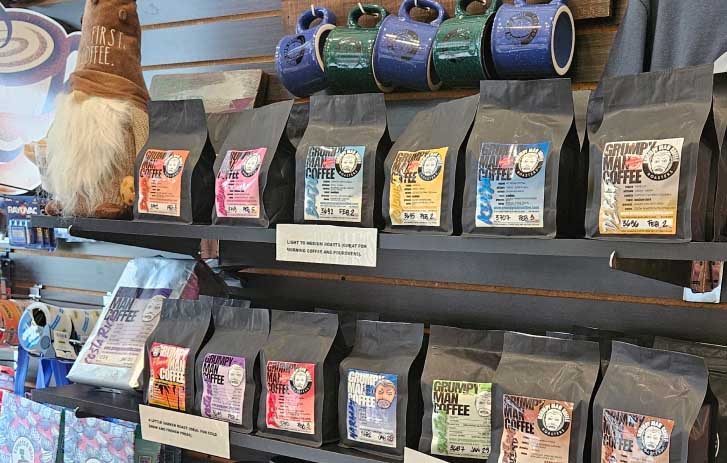










Promote your business with these marketing materials
Ready-to-paste social media posts
Remind your followers you’re ready to help year-round. Get seasonal inspiration and keep customers informed about holiday store closures. And find tips and tools to share with other small businesses.

Pre-written emails for simple deliveries and returns
You don’t need to start from scratch to promote FedEx Delivery Manager® and returns.

Choose the email copy you want to use.

Copy and paste the text into your email template.

Save the image to your computer and upload it to your email template.
Subject line:
Expecting a present? Add the gift of control over delivery
Headline (select one):
Option 1:
When you have packages coming, you can be in charge of delivery
Option 2:
Put yourself in control of package delivery!

Body copy:
Did you know FedEx makes it easy to manage packages to work around the recipient’s schedule? FedEx Delivery Manager® lets you track FedEx® packages and get lots of other free options:
- Set up notifications about packages.
- Redirect the package to a secure location to be held for pickup.
- Instruct FedEx where to leave the package—for example, at the garage door.
- Give someone a QR code to pick up the package from a secure location for you.
- Request a temporary hold on all deliveries for up to two weeks.
And you can choose advanced options such as scheduling a delivery time or delivering to a different residential address for an additional fee.
Call to action:
Learn more about FedEx Delivery Manager and sign up for free!
Subject line:
Plan your delivery around your vacation—not vice versa
Headline (select one):
Option 1:
Don’t let deliveries get in the way of trip plans
Option 2:
It’s vacation time! Don’t sweat deliveries.

Body copy:
Taking a trip? Expecting a delivery? No problem. FedEx makes it easy to manage incoming packages so they work around your schedule with FedEx Delivery Manager®.
There are lots of free options:
- Set up notifications and stay in the know about when your packages will arrive.
- Request a temporary hold on all packages for up to two weeks.
- Redirect your package to a secure location to be held for pickup.
- Give delivery instructions on where to leave the package —for example, at the garage door.
- Give someone a QR code to pick up your package from a secure location for you.
And you can choose advanced options such as scheduling a delivery time or delivering to a different residential address for an additional fee.
Call to action:
This vacation season, don't sweat your deliveries—sign up for free and stay in control!
Subject line:
Need to send it back? It’s a snap!
Headline (select one):
Option 1:
Got a FedEx return package? Ship it here!
Option 2:
Let us help you with returns

Body copy:
Preparing return packages can be simple—and at [Name of Pack and Ship], we make it convenient.
If you’ve got a FedEx® return with a preprinted label, drop it off with us and we’ll take care of it.
Need packaging supplies or packing assistance? We can do it all for you!
If you need to pay to ship a return, we’ve got reliable budget-friendly options like FedEx Ground.®
Call to action (select one):
Option 1:
Stop in the next time you have a return—we’re in your neighborhood. [Go to xxx.com for our address, hours and services.]
Option 2:
Find us at [address] or give us a call at [phone].

Before you hit send, check out our email marketing tools and tips.
Order pre-printed signage
Show customers the benefits of shipping with you. Get free seasonal FedEx posters, window decals, calendars, and more.
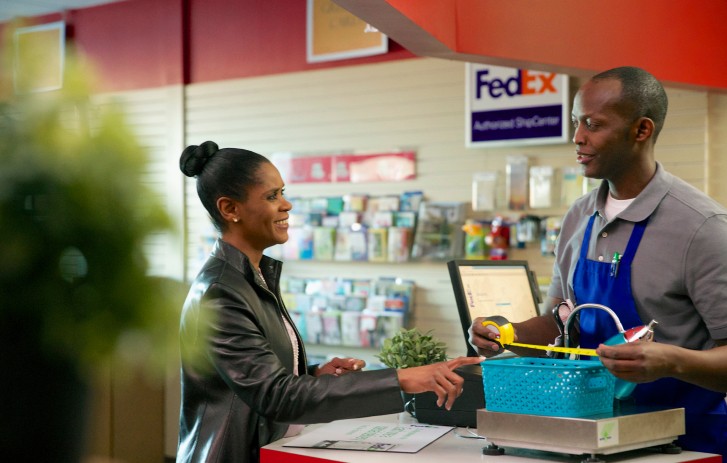
Print materials for targeted marketing
Download ads for publications, or business cards to hand out. Just click the Color or Black and white link. The file will open in your browser window. Choose Save File and save it to your desktop.
*To view these PDFs, you need Adobe® Reader®. Download it for free.

Horizontal print ad (5.25"x4")
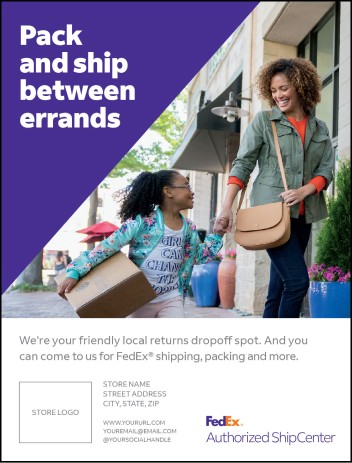
Vertical print ad (4"x5.25")
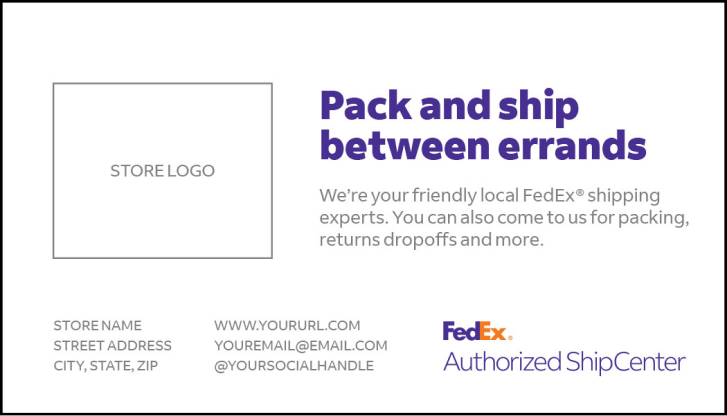
Business card (3.5"x2")
How to use downloaded print materials
1. Find the downloaded file on your desktop. Double-click the filename to open it.
2. Insert your store’s logo or name and address where indicated. The printer can often help you customize this info.
3. Print the file as provided. Do not change any printing options or settings.
All file elements may be reproduced in black and white or color, as provided. You can’t change artwork without permission from FedEx.
Downloadable resources to
grow your business and revenue


Watch video tutorials on how Hold at Location works with different POS systems.
Know the ins and outs of FedEx services
Be ready to recommend the right fit for your customers.
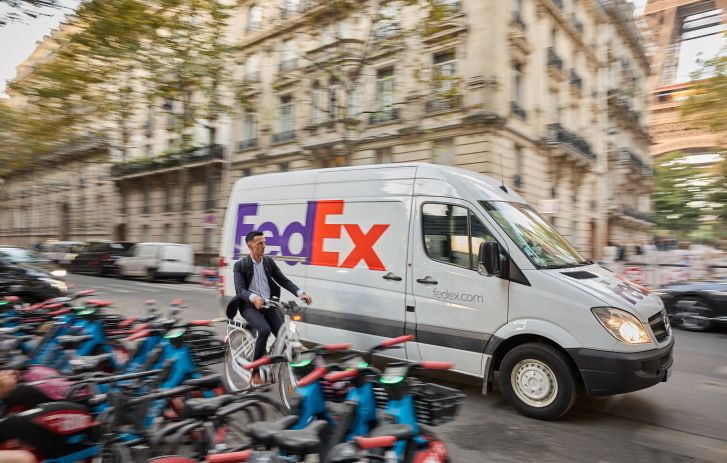
Give shippers time-sensitive options, including same-day and overnight delivery.
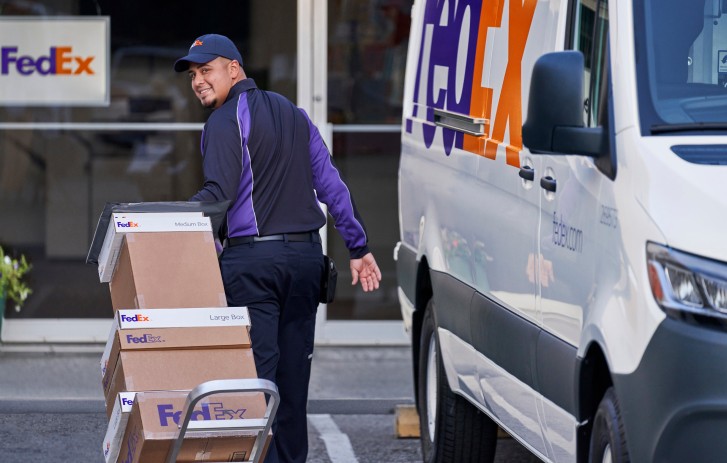
FedEx Ground® is faster to more locations than UPS Ground. Customers get delivery in 1–5 business days (3–7 business days to and from Alaska and Hawaii).

Give shippers time-sensitive options, including same-day and overnight delivery.

Check out packing tips and guides
Help customers reduce damage, unnecessary shipping costs, and waste.
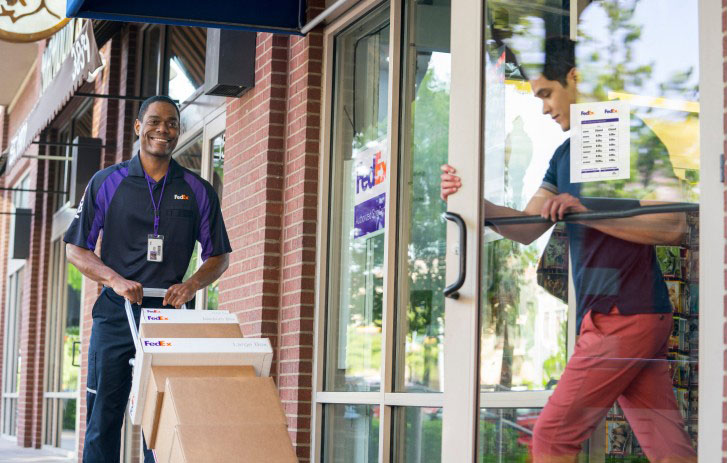
Order shipping supplies for your store
Make sure you don’t run out of boxes, mailers, cushioning, and more.
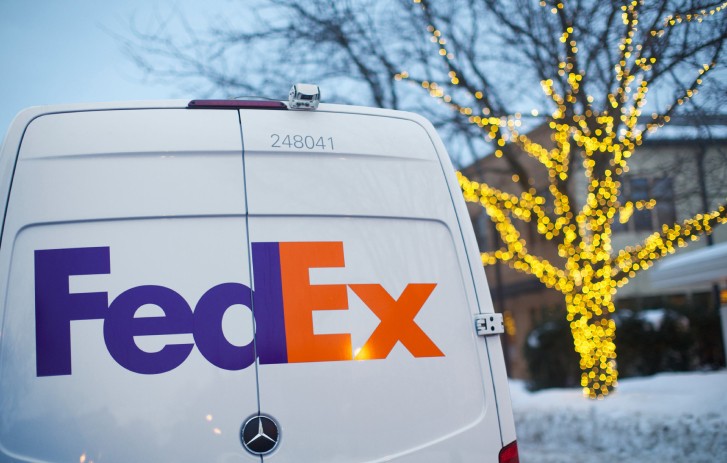
View holiday service schedules
Plan for on-time shipments. See when FedEx is open and delivering throughout the year.
Find answers to FAQs and connect with support
Whether you have a question or a complex challenge, FedEx has your back.
The FASC program
There are many benefits to joining the FedEx network, including:
- A variety of fast, flexible, and affordable pack-and-ship services to offer customers.
- Competitive pricing programs like the FedEx Bonus Weight Envelope.
- Free marketing materials like posters, mailers, logos, and social media posts.
- Quarterly checks from the Dropoff Incentive Program.
- Discounts on FedEx priority and standard packages shipped on your FedEx account.
- A listing in the FedEx Locator, our online directory that lets customers easily find you.
When you join, you agree to:
- Operate a pack-and-ship store as your primary business. It must have a retail storefront and a designated counter for receiving packages.
- Have an existing or proposed location in the U.S. with internet access.
- Provide regular business hours of operation, Monday through Friday. Saturday and Sunday hours are optional.
- Have a calibrated scale that accepts at least 100 lbs.
- Sell packaging and shipping supplies and provide packing expertise.
- Provide FedEx priority packaging at no charge.
- Offer both FedEx priority and standard services.*
- Sell and ship a minimum of one priority and one standard package a day.
- Accept priority and standard packages dropped off by FedEx account holders at no charge.
- Be a registered FASC.net user with an active email address.
- Use an approved automated solution to process shipments.
- Maintain an account in good financial standing with FedEx. Per your agreement, payment terms are net 15 days.
*Services include FedEx Priority Overnight®, FedEx Standard Overnight®, FedEx 2Day® AM, FedEx 2Day®, FedEx Express Saver®, FedEx International Priority®, FedEx International Economy®, FedEx Ground®, FedEx Home Delivery®, FedEx International Ground® to Canada.
Review detailed instructions or follow these steps:
- Log in to the FedEx Discount Detail Tool using your fedex.com credentials.
- Click View Earned Discount Information.
- Identify the Base Transportation Charges Amounts (monthly) table and find the row highlighted in yellow. This value is your Earned Discount for all services.
- Go to My Current Pricing or Exhibit A to see your earned discount percentage.
Keep track of all priority and standard packages by scanning them or manually saving tracking numbers.
End-of-day procedure for priority packages:
- Create a designated area for priority drop off packages.
- Give packages to the priority courier. They’ll scan them and the barcode hanging in your store. Make sure it matches the barcode on the right side of your My Info page. If the barcode numbers are different, call 1.800.496.9310, option 3.
End-of-day procedure for standard packages:
- Create a designated area for standard drop offs.
- Give all packages to the driver for scanning.
If your courier or driver is not following a process, please let us know.
Billing, payment, and claims questions
How do I get a billing error corrected?
Use FedEx® Billing Online or call Revenue Services at 1.800.622.1147 to dispute the invoice.
Save time by submitting a claim online. We’ll use information from your shipping record to pre-populate your form. You can also request to receive email updates on your claim status.
Submit a payout inquiry and explain the error. If you don’t receive a response within 15 business days, please call 1.800.496.9310, option 3.
Shipping questions
Tell your customers about last-minute shipping discounts. They simply request a quote to take advantage of available capacity in the FedEx network.
Call 1.800.463.3339 and ask for the International Desk. The team member can help you verify a country, commodity, restriction, or international holiday.
Direct them to FedEx Global Trade Manager .
It lets you tender FedEx® Envelope shipments over 8 oz. at the current envelope rates. The FedEx Envelope will safely hold up to 1.5 lbs., and your account will only be billed at the 8 oz. rate. Learn more about the FedEx Bonus Weight Envelope.
You can order packaging online, or call 1.800.463.3339.
A shipping and handling fee plus the local sales tax will be applied. Some boxes must be purchased at a minimum quantity. Please see the FedEx Service Guide for packaging tips and guidelines.
Please read the FedEx Service Guide for details on priority and ground terms and conditions. Learn about preventing claims, declaring the proper value, and understanding limits of liability.
They can choose one of these signature requirements for a fee.
- Indirect signature: FedEx can ask anyone at the delivery address to sign for them, for example, a neighbor or building manager.
- Direct signature: Someone at the address must sign for the delivery.
- Adult signature: A person who’s at least 21 years old (government-issued photo ID required) must sign at the delivery address.
FedEx offers declared value, not insurance. If they need insurance above the limits, they can contact a third-party carrier.
Delivery questions
This is known as a service failure. If you want to be credited for transportation charges, notify us within 15 days of the invoice date. If your account is tied to a credit card for billing, notify us within 15 days of the shipment date. See our terms and conditions for more information.
Track a package online, or call 1.800.463.3339 to initiate a trace.
Sign up for FedEx Insight to receive free notifications. It will also track packages and provide proof of delivery on shipments tied to your account number.
Automated Clearing House (ACH) questions
It’s an easy electronic option for receiving your quarterly drop off payments. It only takes a few minutes to sign up. Go to the FedEx Supplier Portal, choose to get ACH payments, and add your banking information.
You’ll still be paid on the same quarterly schedule. But ACH payments are deposited directly into your account, so you’ll receive them faster than checks.
It’s not a requirement for FASC owners, but we do recommend it. You’ll get your payments faster.
Please contact FASC Program Support at retailsupport@fedex.com or phone: 1.800.496.9310, opt. 3.
We’ll email a PDF to you before you receive payment. It includes payment details, including a breakdown of your drop off shipments.